Features

Website Blocker

Take control of your child’s online world. Our app helps you instantly block websites that distract, harm, or waste time. Keep your kids focused, safe, and productive.

Get Started For Free
4.9 App ratings
Website Blocker
1M+
Parents put their trust in us
2,5x
Reduction in screen time
99%
Member Satisfaction

Website Blocker App Features

Website and App Blocking

Website and App Blocking

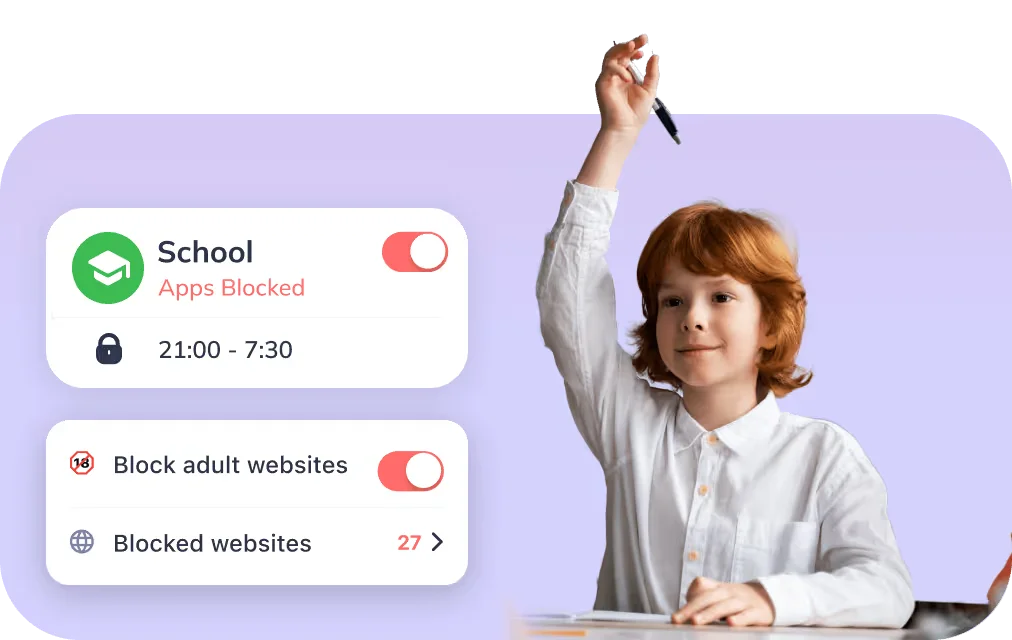
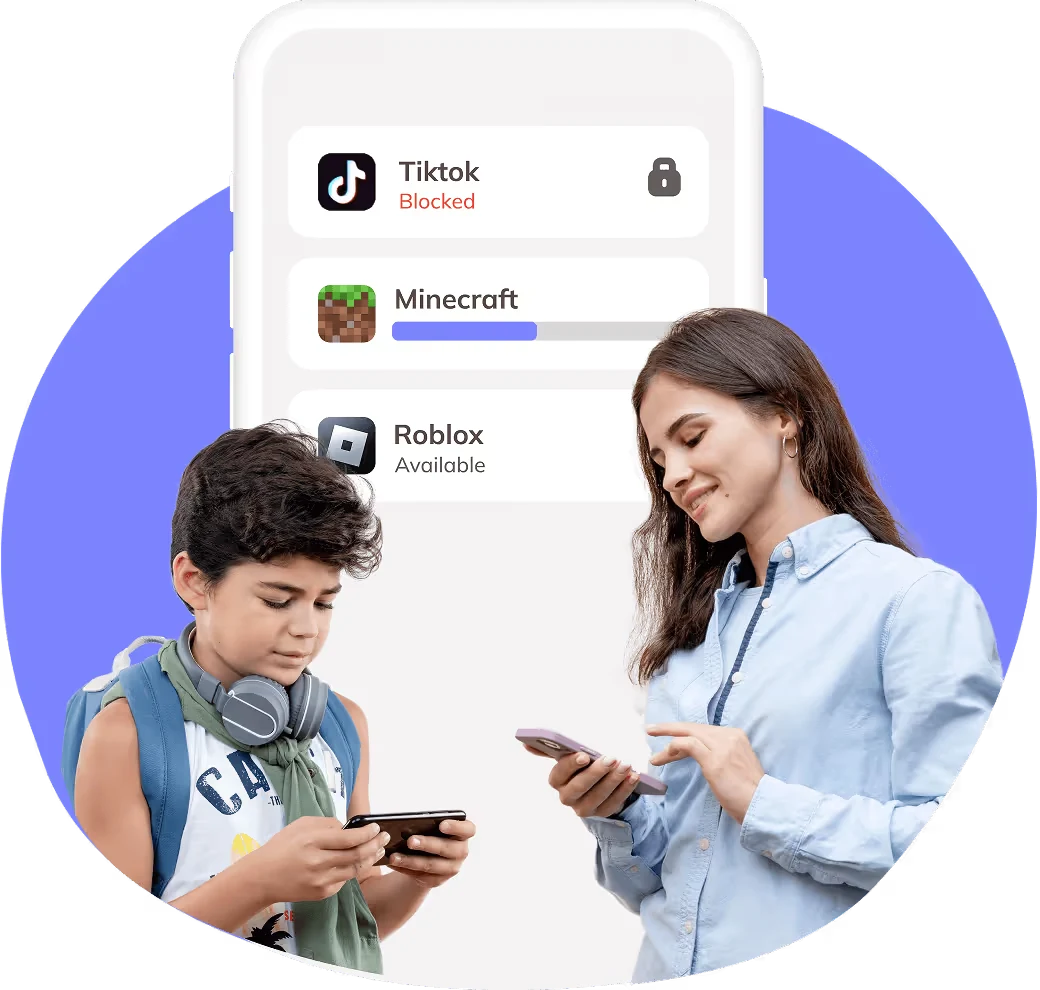
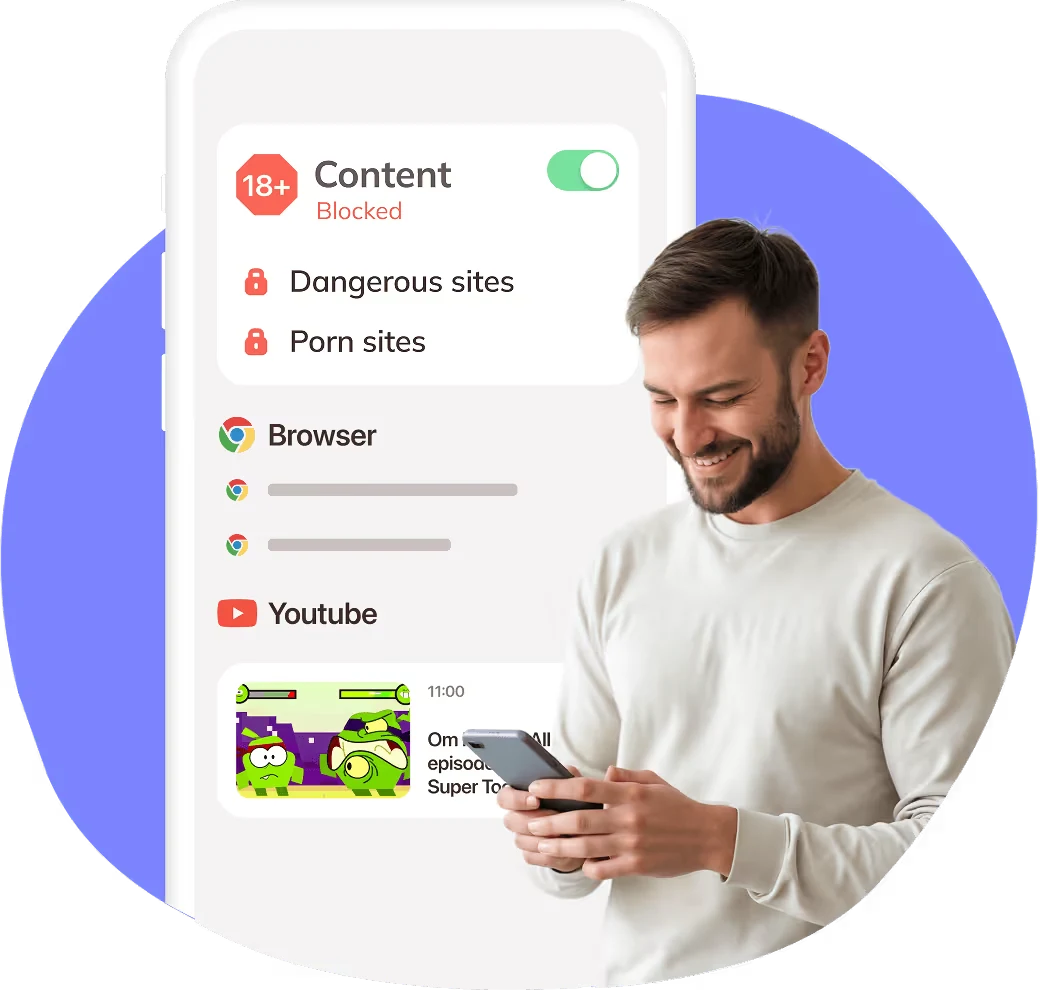
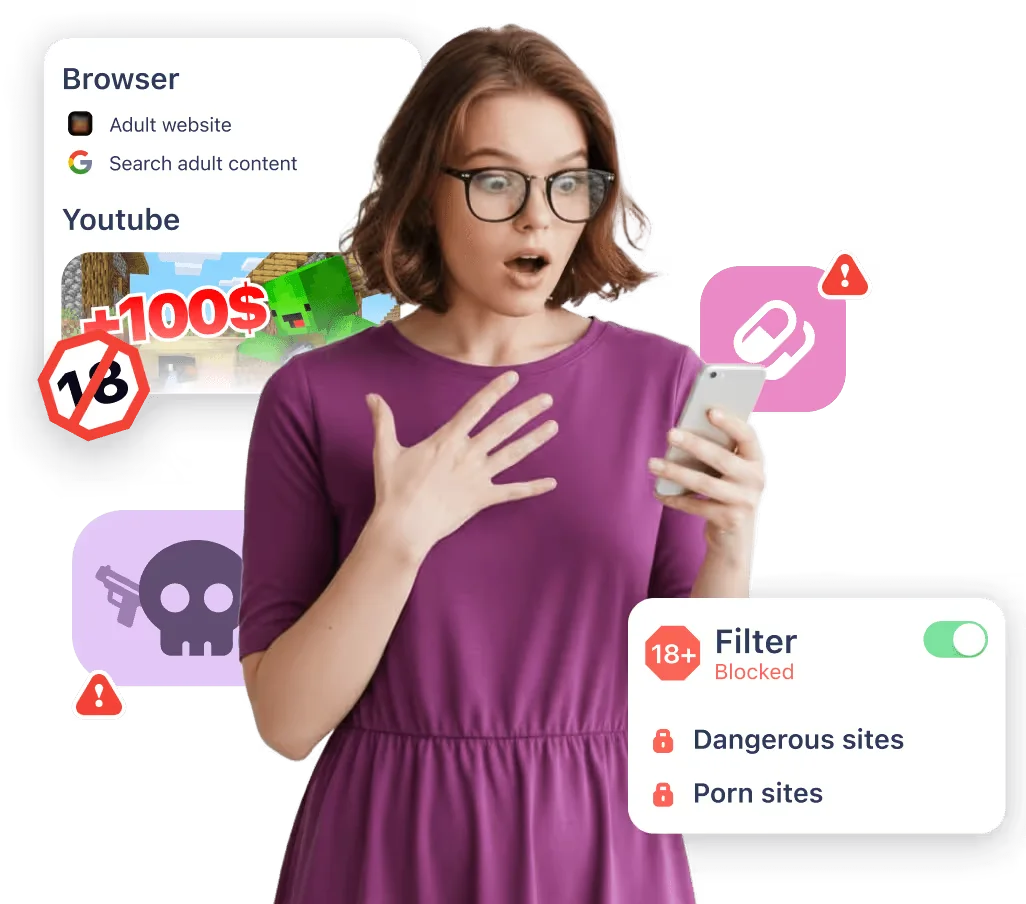
The Kidsee allows parents to block websites and apps that distract children from studying, sleeping, or other important activities. Parents can instantly pause distracting websites or block access to inappropriate or adult content.

Screen Time and Usage Control

Screen Time and Usage Control

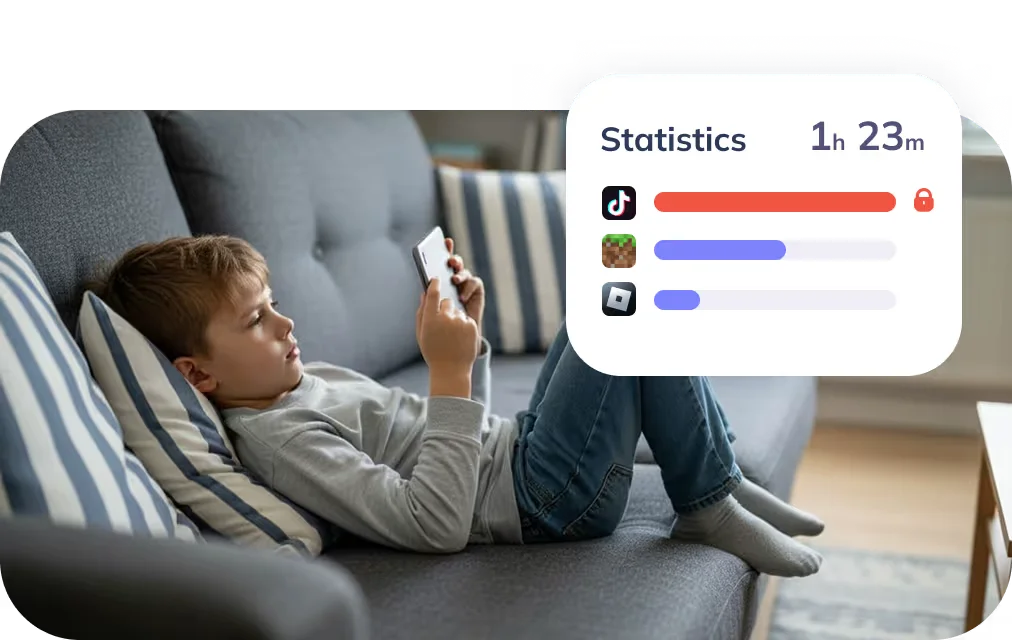
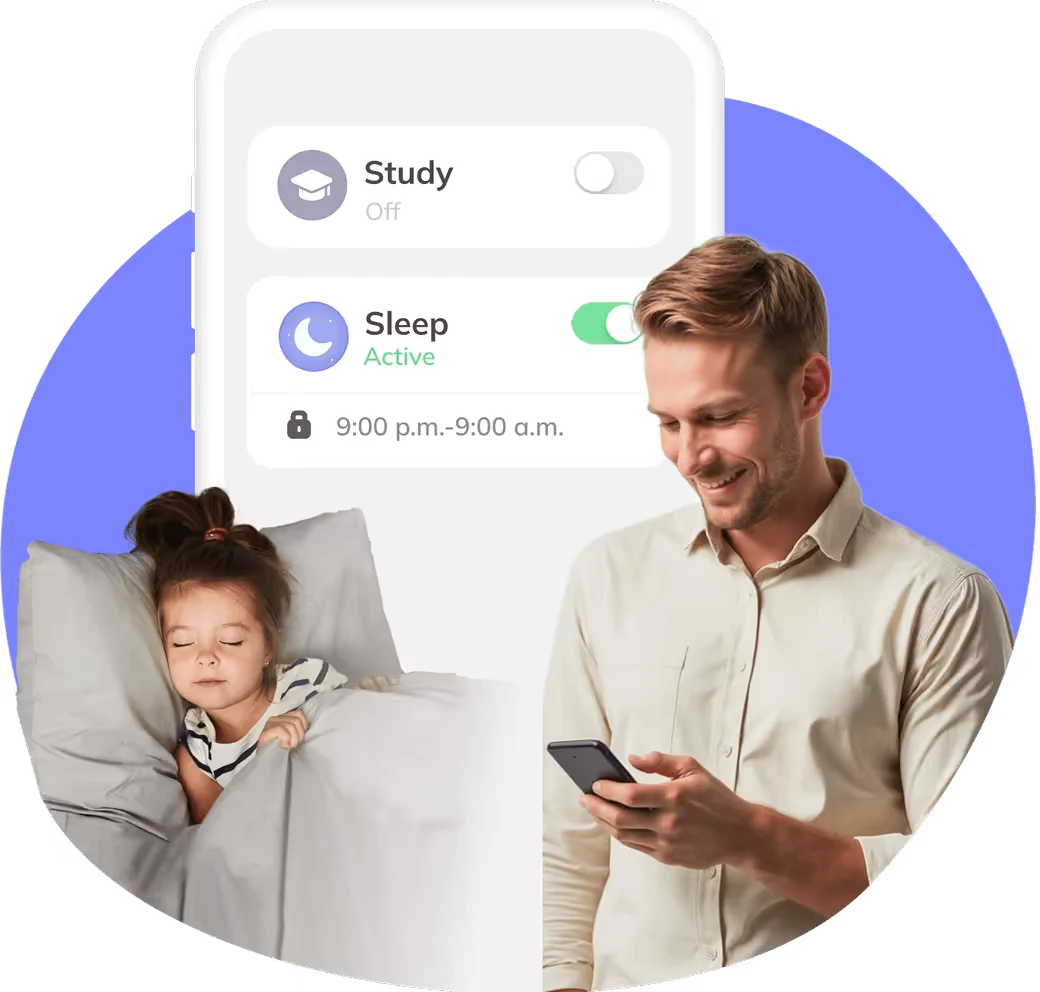
With Kidsee, you're not just blocking sites or apps - you're teaching your child self-control by setting limits for games and activities. You will be able to create individual gadget usage schedules. Plus, you can check the stats anytime to see where all that screen time is actually going.

Push notifications

Push notifications

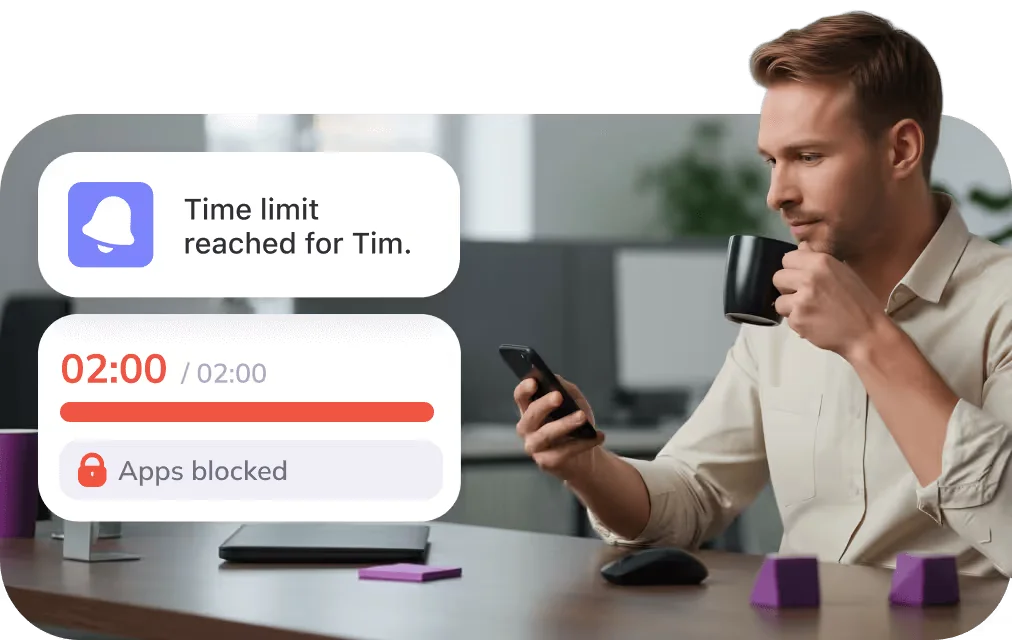
Kidsee sends instant notifications when your child reaches their screen time limit. Stay informed and keep your family’s digital routine on track.

Manage Multiple Devices from One Place

Manage Multiple Devices from One Place

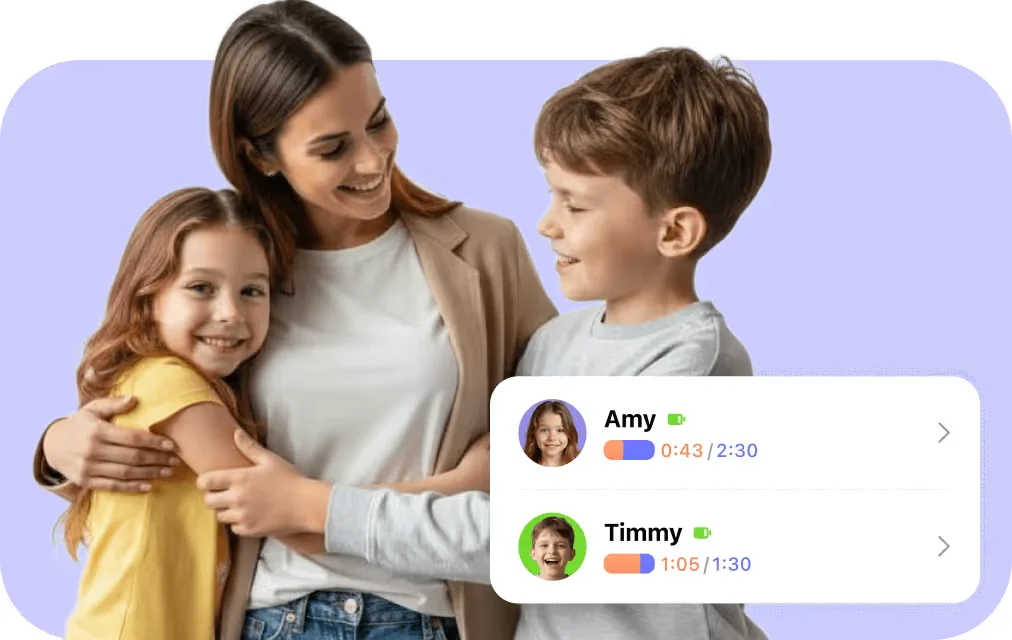
Manage your kids’ online activity from one place. The Kidsee works between iOS and Android devices, so even if one child has an iPhone and another uses Android, you stay in control from a single device. Block apps and websites, set limits, and keep your family focused and safe without switching between platforms.

Kidsee isn’t just a website blocker app

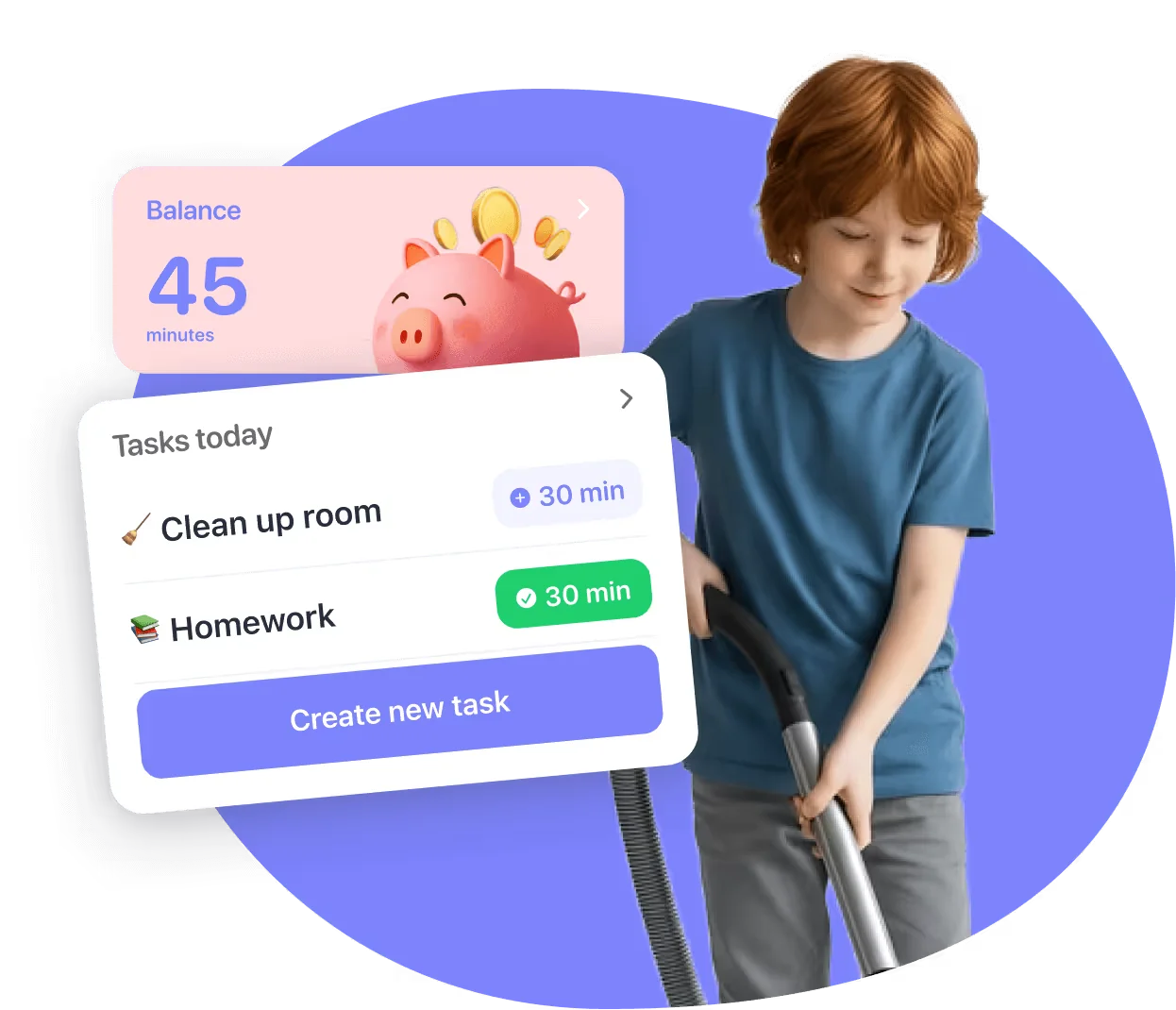
A unique feature of Kidsee is its reward system — children can earn extra screen time by completing tasks such as homework or chores. This helps turn technology into a positive incentive, encouraging self-discipline and good behavior rather than punishment.

Try For Free
Website Blocker

Additional features

Set time limits on apps

Choose the right plan for your family

Kidsee Premium is here for every stage of your digital journey

Monthly
$3,99/month
3 days free and then $3,99/month
Auto-renewable
Try For Free

More than 10k parents are already using Kidsee

Get Started For Free
Sarah Mother of one kid
“My son used to “just check something online” and somehow spend an hour on YouTube. Now I can easily block distracting websites during homework time, and he actually finishes faster. I love how the app runs .”
Jessica Mother of three kids
“What I love most about Kidsee is how easy it is to manage both my kids’ devices from one place. I don’t waste time switching apps or adjusting settings separately.”
Alice Mother of two kids
“I didn’t realize how much time my kids spent online until I started using Kidsee. Now I can set limits that actually work, and they’ve learned to manage their own screen time. I’m not constantly checking their phones anymore.”

FAQ

Can I try Kidsee before subscribing?

Yes! You can try Kidsee free for 3 days and explore all its features before choosing a plan.

Can I block distractions on both iOS and Android devices?

Yes, absolutely. The app works across both platforms. That means you can set limits even if your kids use different types of devices. One account handles it all.

Is Kidsee safe to use?

Yes. Your data stays private and secure. Our application never shares or sells personal information.

What are the basic requirements to use?

Android: 7.0 and up.iPhone: iOS 17.4 or later.iPad: iPadOS 17.4 or later.

Can I customize which apps and websites to block?

Yes. You decide what goes on your block list. Add specific websites, games, or applications you find distracting.

Can I temporarily disable access to apps or websites?

Of course. With just one tap, you can disable any application or website for a set time. When the timer ends, access returns automatically.