Features

App Blocker

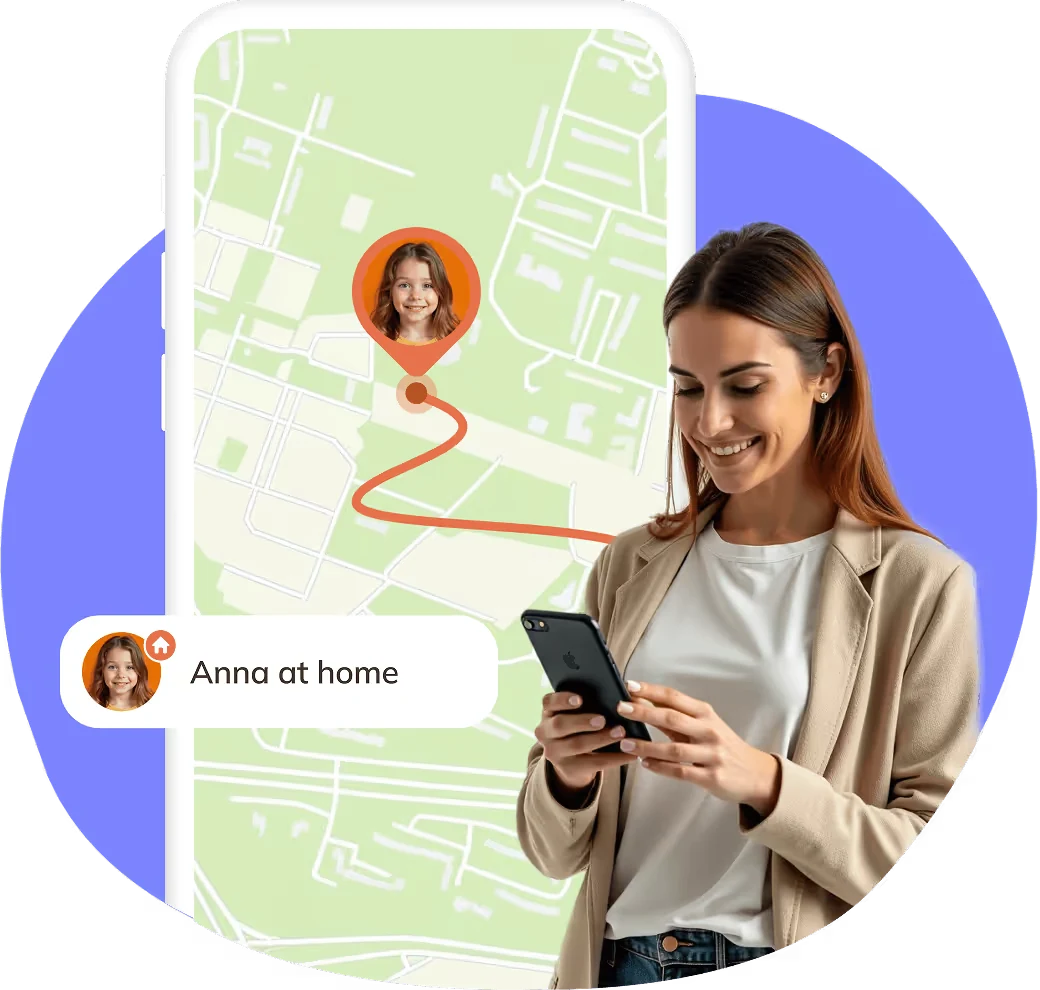
Block apps on Android & iOS that distract and help your kids stay focused and build healthy digital habits.

Get Started For Free
4.9 App ratings
App Blocker
1M+
Parents put their trust in us
2,5x
Reduction in screen time
99%
Member Satisfaction

App Blocker Features

App Blocking & Distraction Control

App Blocking & Distraction Control

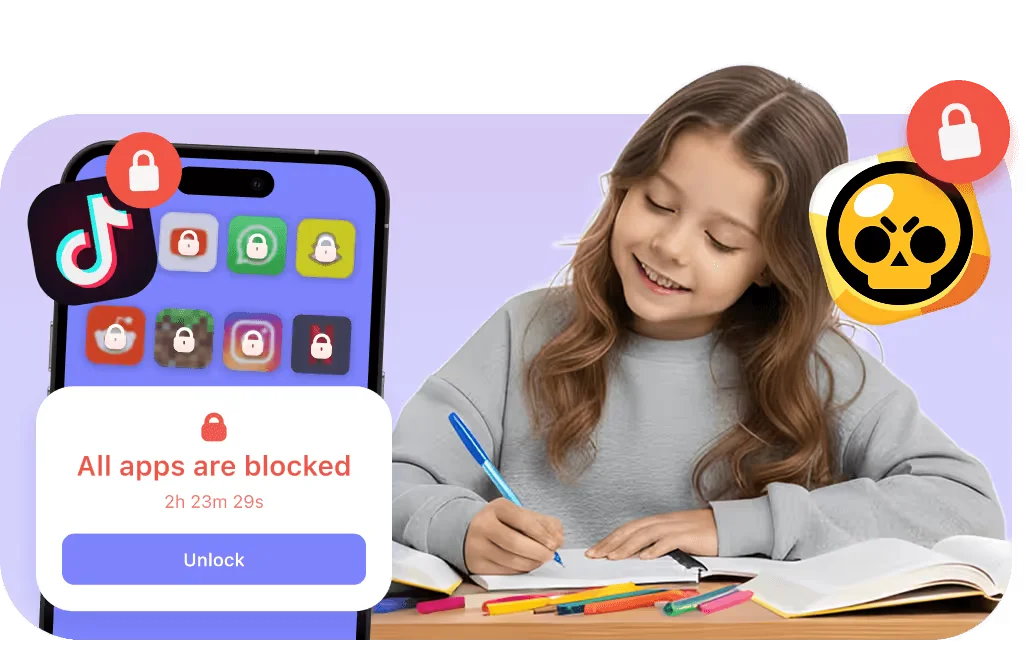
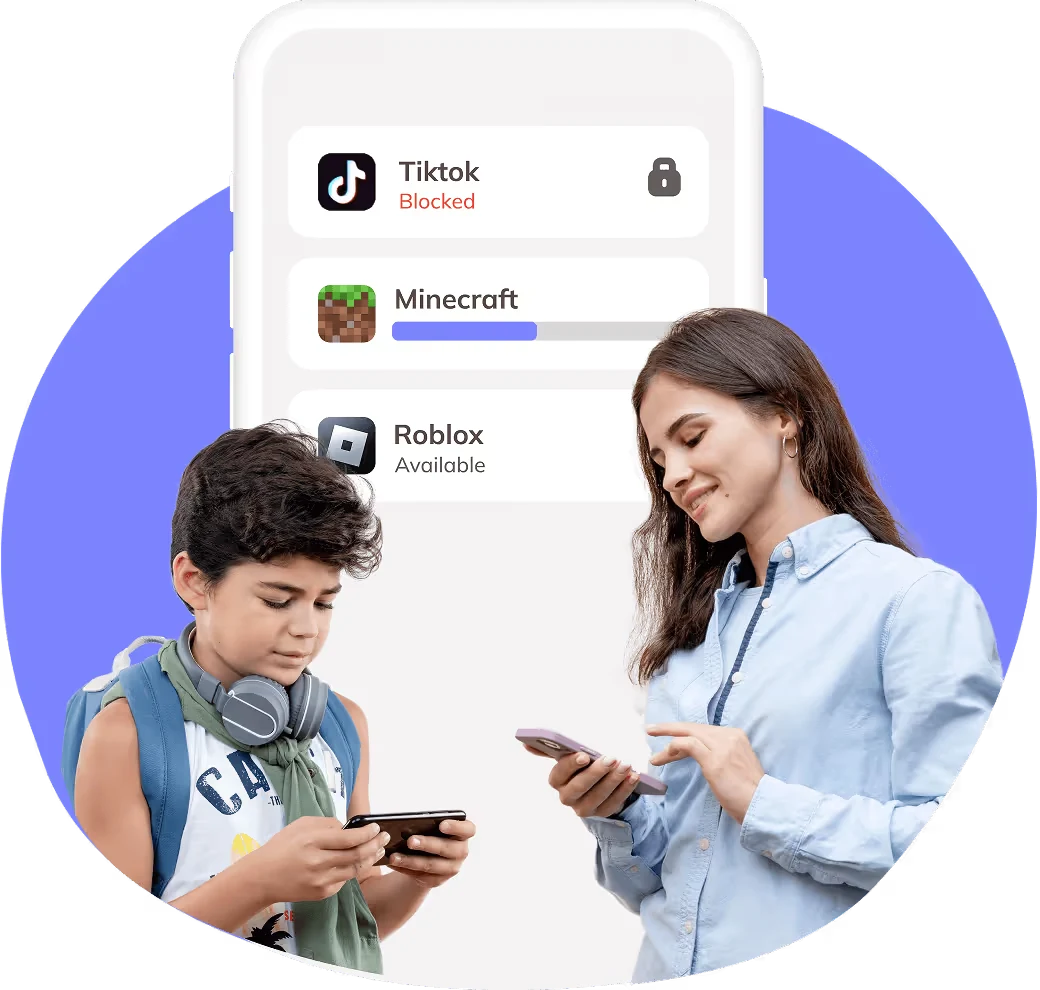
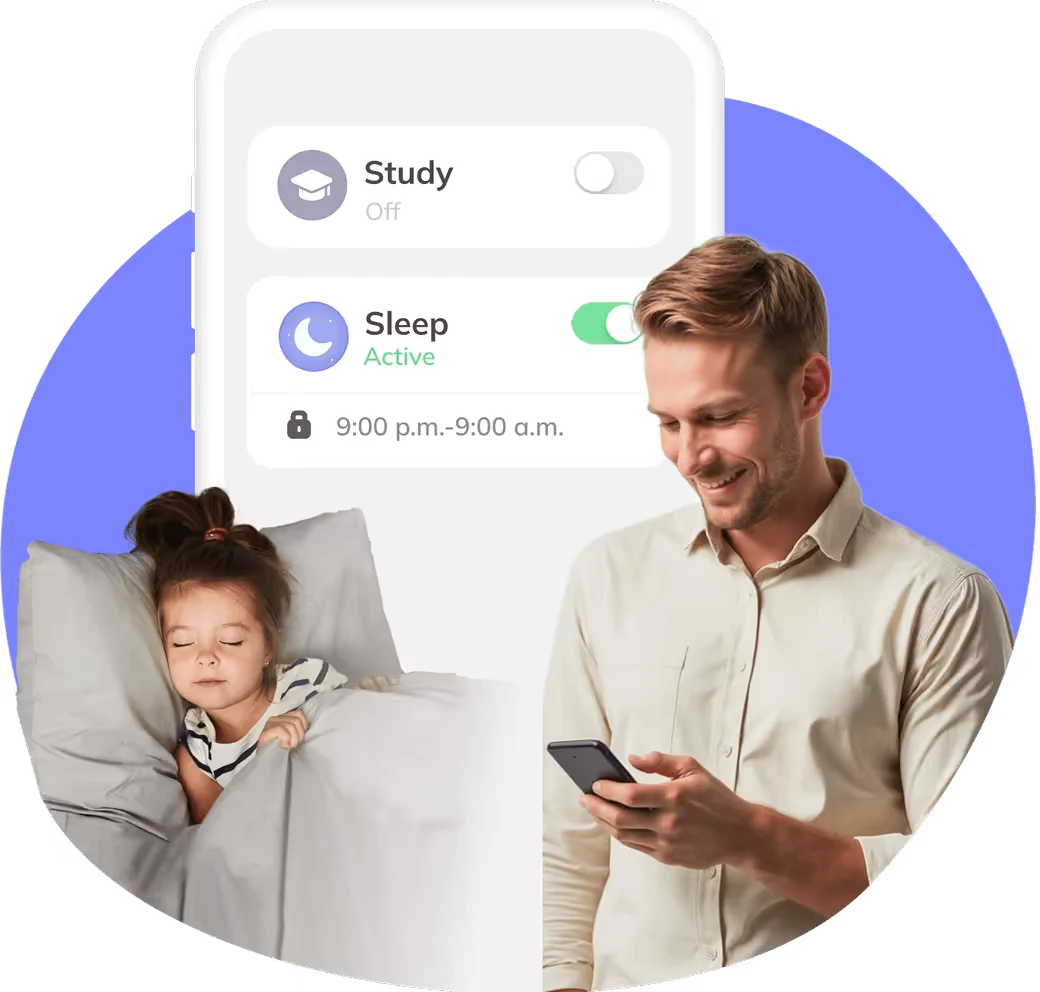
With the App Blocker feature, you can block apps that steal attention. Whether it’s social media, games, or messaging, just tap to stop and help your child stay focused. Set study or sleep hours, and Kidsee automatically blocks distracting apps when it’s time to concentrate or rest.

Screen Time Limits & Scheduling

Screen Time Limits & Scheduling

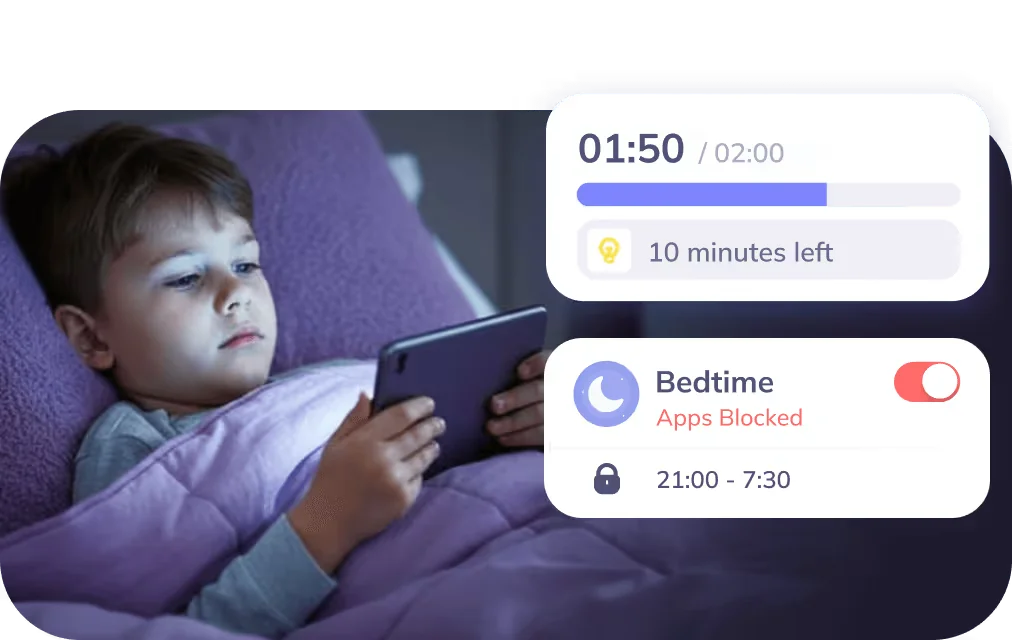
Ensure a balanced digital routine for your kids. Kidsee helps you manage how much time they spend on apps and websites, so they can stay focused, sleep better, and use technology with intention. Set flexible schedules that match your family’s day — study, rest, or play.

Time Usage Insights

Time Usage Insights

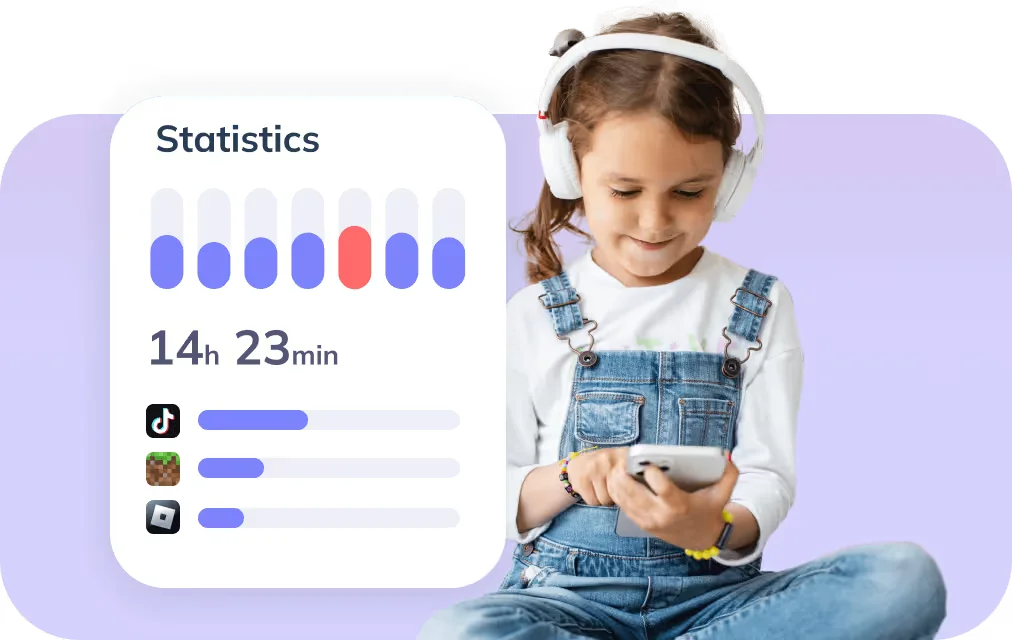
Get a clear view of your child’s digital habits. Kidsee shows exactly how much time they spend on each app and website, making it easy to spot what takes their attention most. Time reports help you understand where screen time goes. With one glance, you’ll see daily patterns, time peaks, and focus trends.

Manage Multiple Devices from One Place

Manage Multiple Devices from One Place

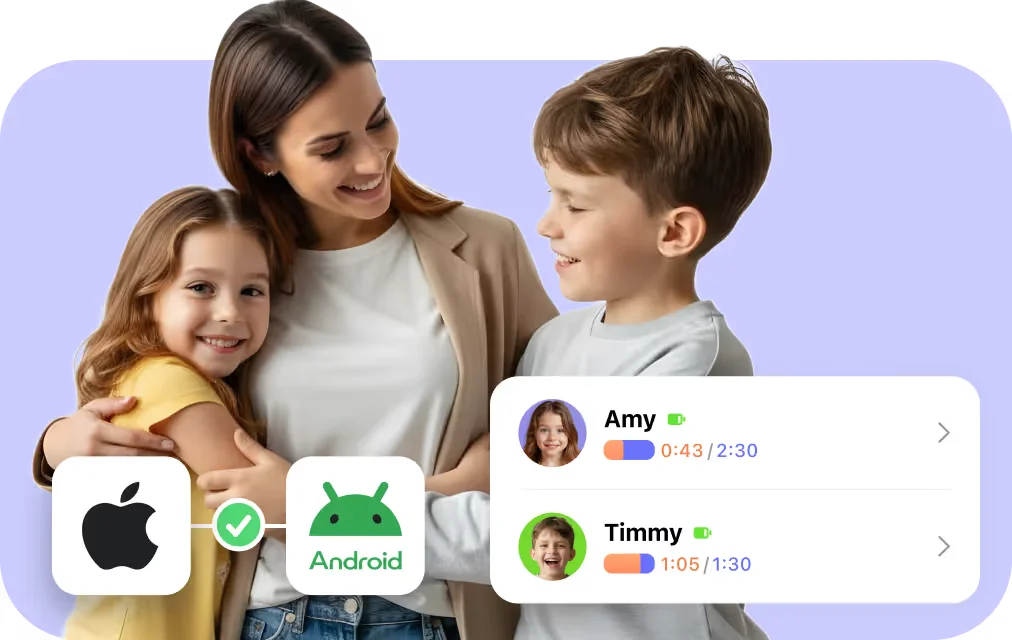
Kidsee works across iOS and Android devices, so even if one child has an iPhone and another uses Android, you stay in control from a single dashboard. Block apps and websites, set limits, and keep your family focused and safe — all without switching between platforms.

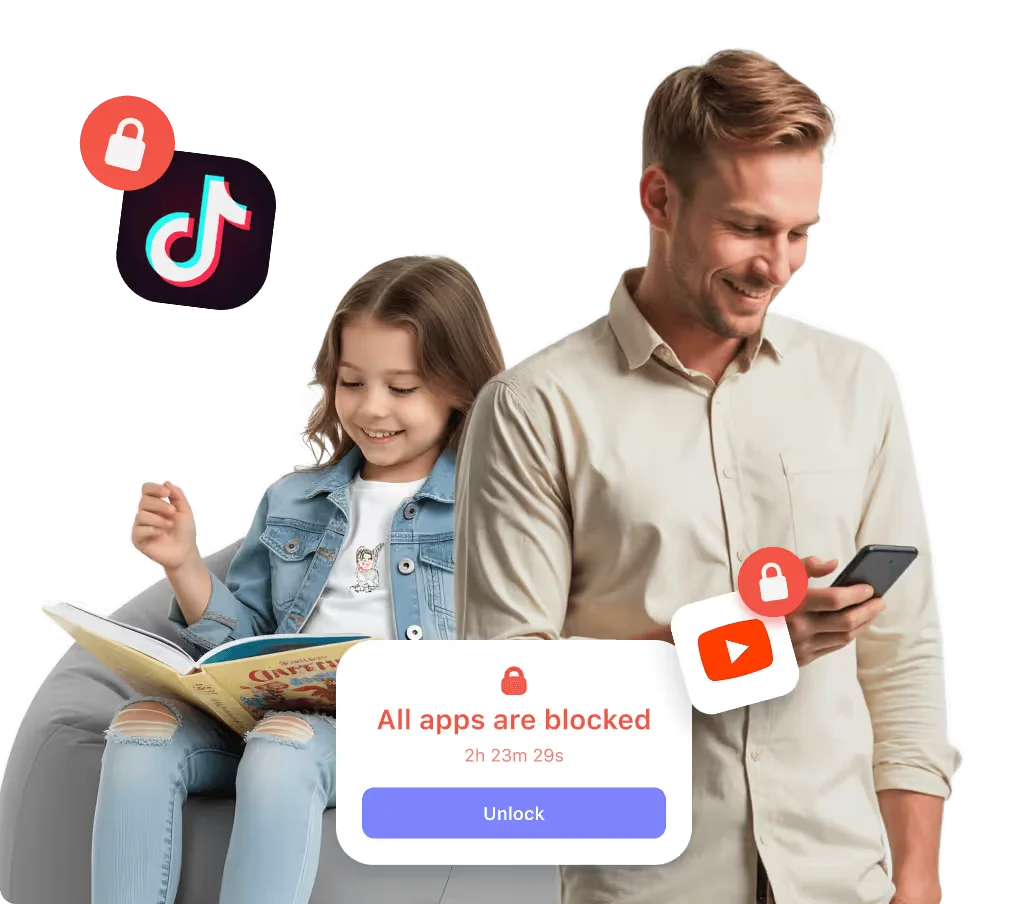
Kidsee isn’t just an app blocker

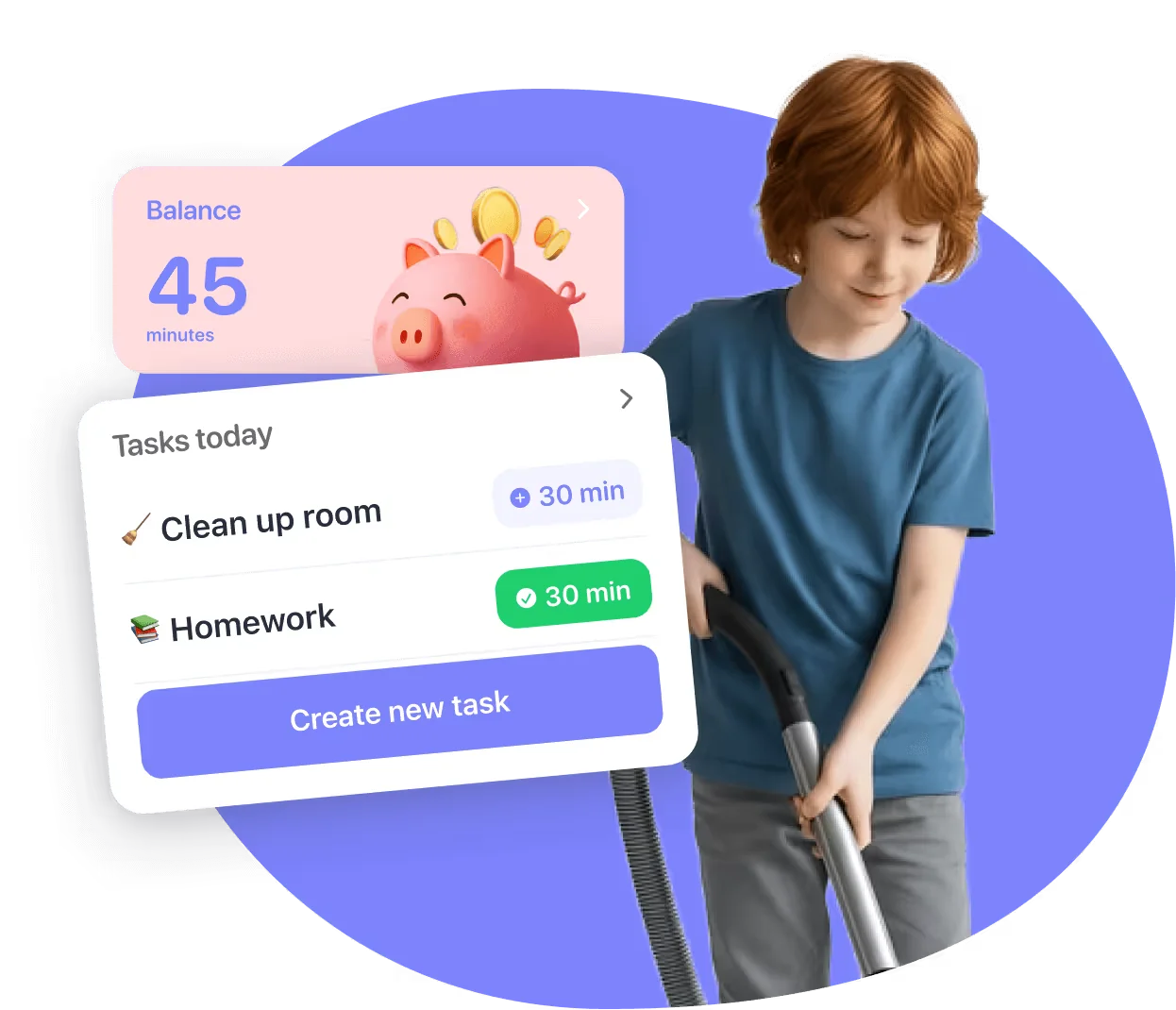
The unique feature of Kidsee is its reward system. You assign tasks (like chores or reading), and we automatically credit your child with bonus screen time upon completion. This simple mechanic turns technology into a tool for developing self-discipline and teaches children to value their time, rather than just demanding it.

Try For Free
App Blocker

Additional features

Set time limits on apps

Choose the right plan for your family

Kidsee Premium is here for every stage of your digital journey

Monthly
$3,99/month
3 days free and then $3,99/month
Auto-renewable
Try For Free

More than 10k parents are already using Kidsee

Get Started For Free
Susan Mother of one kid
“Kidsee’s app blocker actually works. My son used to lose hours scrolling social media after homework. Now I set limits, and the apps shut off when it’s time. He stays focused, and evenings feel calmer for everyone.”
Lilian Mother of three kids
“I like how simple it is to block websites and apps during school hours. I don’t have to take their phones away anymore. They finish homework faster, and we get more family time. It’s a huge relief.”
Ashley Mother of one kid
“Honestly, I love this app. I was constantly stressing out before. But seriously, this feature is a lifesaver. I can just block those stupid games in seconds, and set up 'quiet hours.' It took me like two minutes to set up.”

FAQ

What are the basic requirements to use?

Android: 7.0 and up.iPhone: iOS 17.4 or later.iPad: iPadOS 17.4 or later.

Can I try Kidsee before subscribing?

Yes, you get 3 days free to test all features and make sure it’s right for you.

What happens when the screen time limit ends?

Once the limit is reached, Kidsee automatically pauses the selected apps.

Is Kidsee safe to use?

Yes. Your data stays private and secure. Our application never shares or sells personal information

Can Kidsee help with blocking social media?

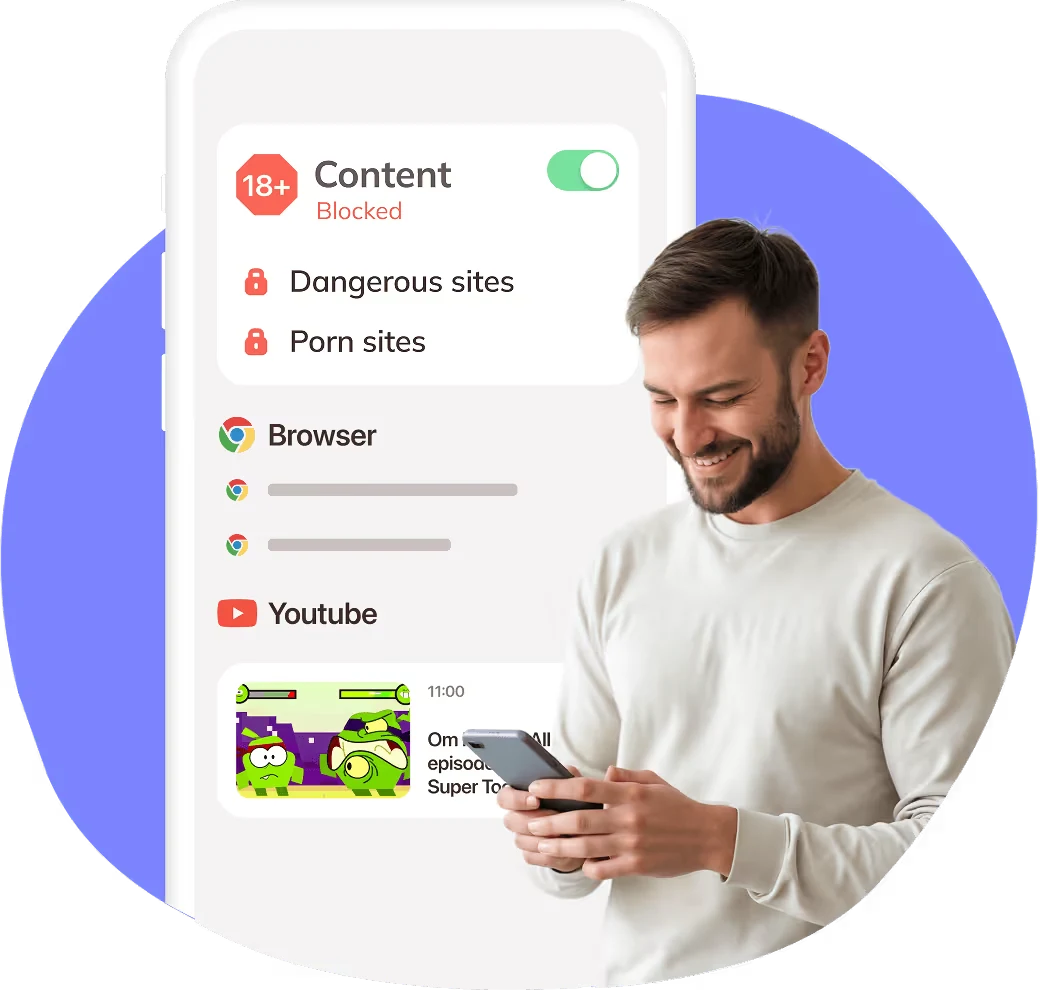
Yes, you can limit access to any social media platforms with customizable blocking schedules.